
UGC Real 1: a realistic AI UGC image model
Updated
What it makes
These five pictures show the look UGC Real 1 is made for: a creator talking to the camera, a selfie in a car, someone holding a product, a podcast guest, a presenter at a desk.
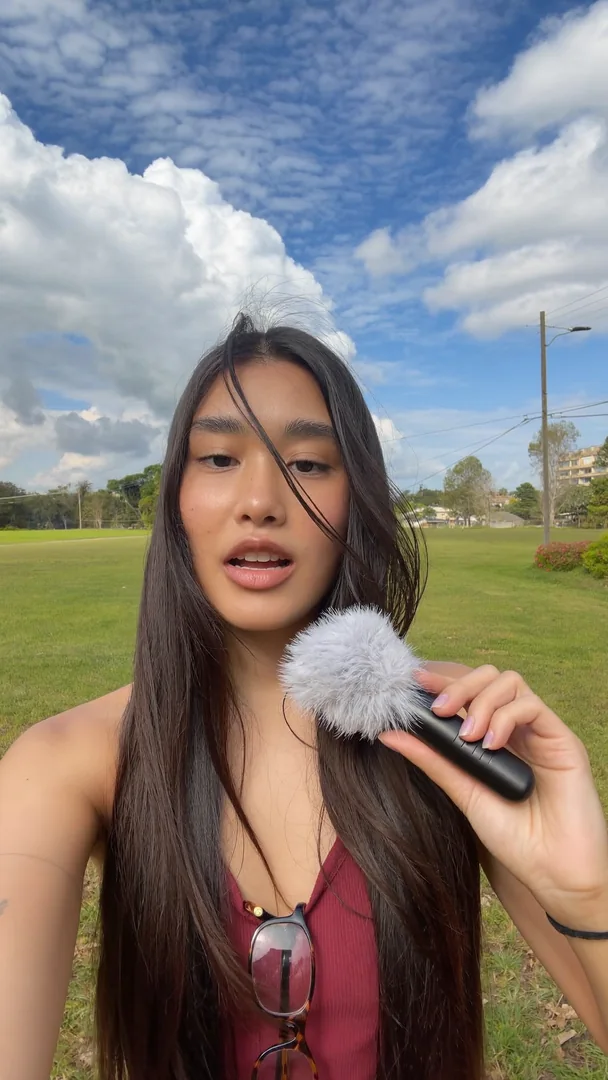
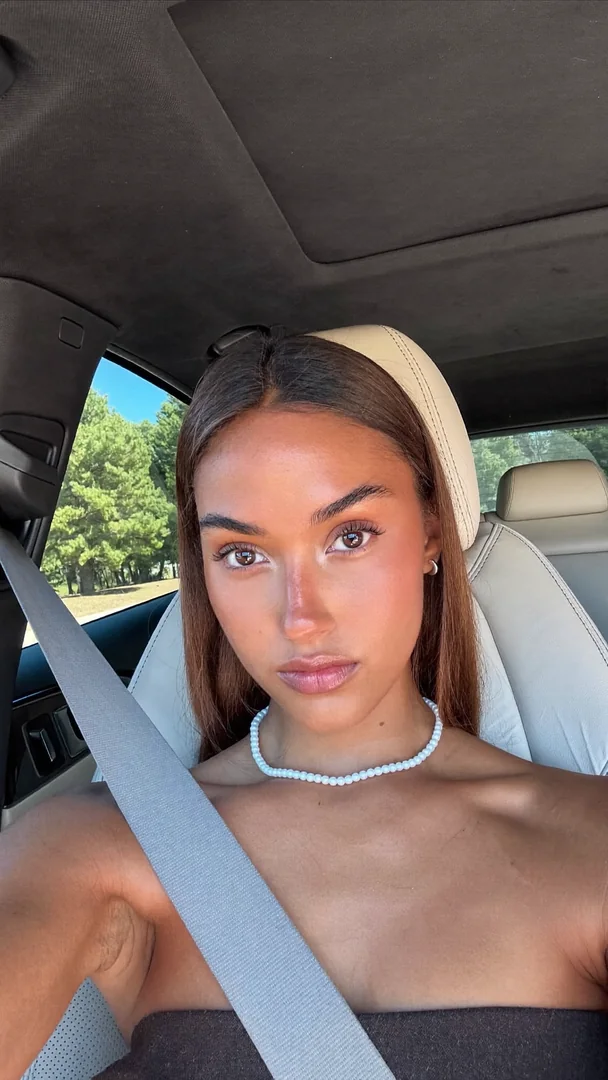
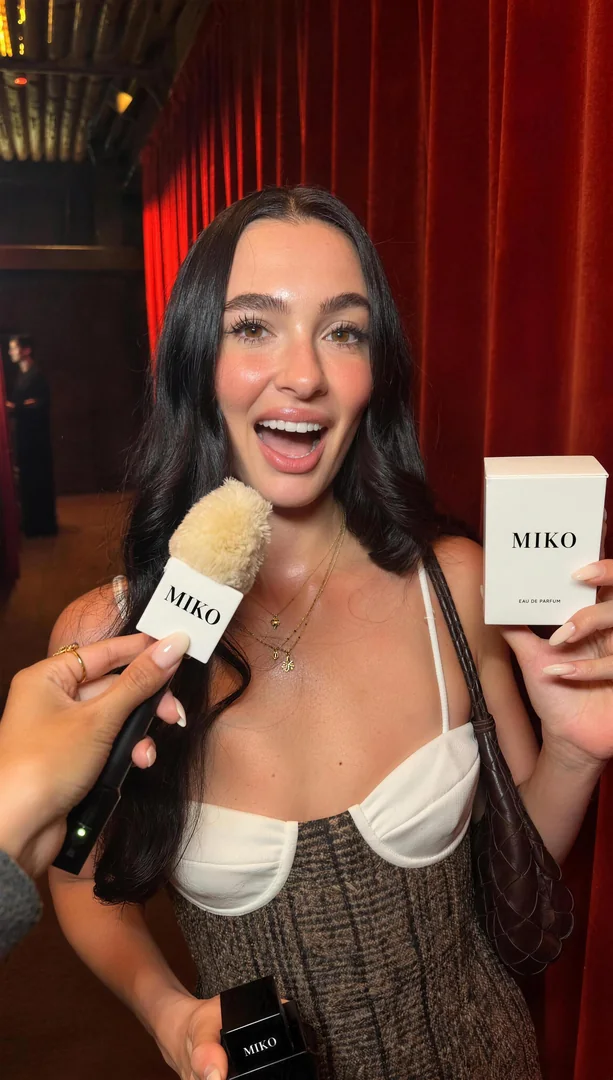
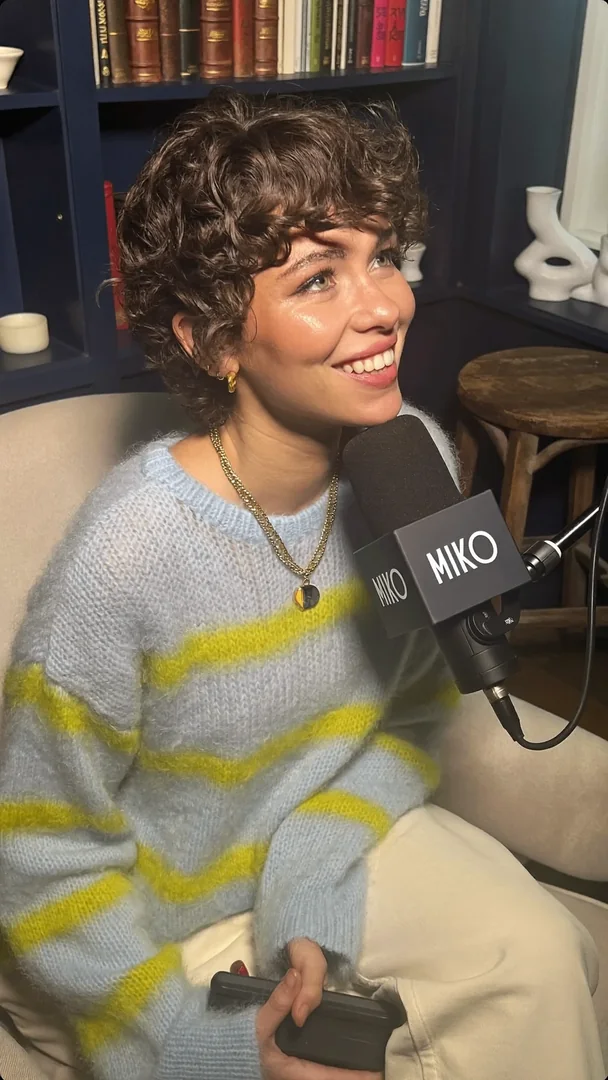
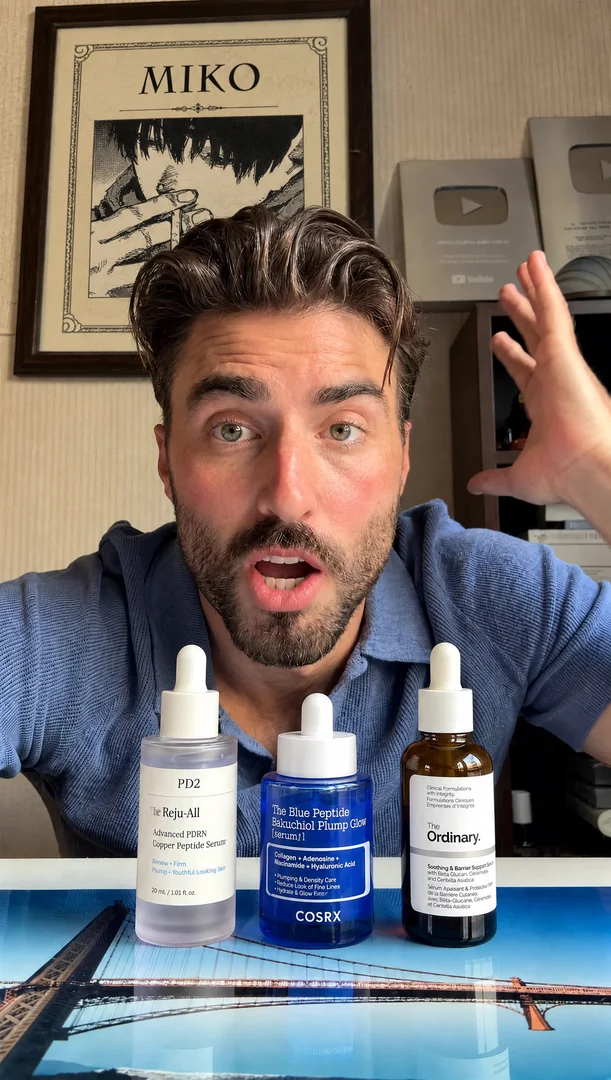
Most image models are tuned for polish. UGC Real 1 is tuned for the opposite: the unretouched look of a real phone photo, which is what makes a creator-style ad believable. Skin has texture, hair is a little messy, and the background is a lived-in place with real objects in it, not a studio.
Price
One flat price covers every shape, and the shape does not change it.
| Option | Price per image |
|---|---|
| Any aspect ratio | $0.03 |
A batch of 100 images costs $3.00. A call that fails, or that is blocked by the content filter, is not charged. To see the exact price of a request before you run it, POST /v1/estimate answers for free and needs no key.
Write it short
You do not need a long prompt. Before it draws, UGC Real 1 writes your words out into a detailed description of a phone photo: the framing and camera height, the pose and what each hand is doing, the hair, the skin, the clothes, the objects in the room and where the light comes from. A short prompt such as "a woman in her kitchen, talking to the camera" gives a full, specific picture, and a more specific prompt keeps more of what you said.
- Say who is in the picture and where they are. The model fills in what you leave open.
- Name the clothes, colours and objects you care about. It keeps them.
- Do not count on it for writing in the picture. The model is made for people and everyday scenes.
A prompt can be up to 2,000 characters.
Shapes
9:16 is the default, because UGC lives on vertical screens. You can also ask for 16:9, 1:1, 4:3, 3:4, 2:3 or 3:2 with aspect_ratio. Every call makes one image at the model's best size, so there is no resolution or count to choose.
Call it
Estimate, then generate. The key comes from the environment.
curl -s -X POST https://vidlab.ai/v1/estimate \
  -H "Content-Type: application/json" \
  -d '{"model":"ugc-real-1","input":{"prompt":"a woman in her kitchen, talking to the camera"}}'

curl -s -X POST https://vidlab.ai/v1/generations \
  -H "Authorization: Bearer $VIDLAB_API_KEY" \
  -H "Content-Type: application/json" \
  -H "Idempotency-Key: $(uuidgen)" \
  -d '{"model":"ugc-real-1","input":{"prompt":"a woman in her kitchen, talking to the camera","aspect_ratio":"9:16"},"max_price_usd":0.03}'
The answer is a job. Poll GET /v1/generations/{id} until it succeeds, then download the picture from outputs. The output links are signed and last 6 hours, so copy the files you want to keep. The quickstart shows the polling loop in Node and Python, and the model list has a short section on this model.
When to use something else
UGC Real 1 takes words only. It does not take reference pictures, so it cannot put a particular person or product into a picture. When you need to edit a photo, or keep a face or a bottle exactly as photographed, pick a model that takes images: Nano Banana Pro takes up to 14 reference pictures, and the Nano Banana Pro price guide shows what it costs. A common pattern is to make the person with UGC Real 1 and then bring a product into the frame with an editing model.
FAQ
How much does a UGC Real 1 image cost?
$0.03 per image, at any aspect ratio. Failed or blocked images are not charged.
Can I send a reference photo?
No. UGC Real 1 takes a prompt and an aspect ratio only, and a request that sends images is refused with 400 invalid_input before anything is reserved. Use an editing model for reference pictures.
Who makes it?
VidLab. It is our own model, not one we resell, so it is listed under VidLab on the models page and is the first image model there.
How long should my prompt be?
A few words are enough, and up to 2,000 characters are allowed. The model writes your words out into a detailed photo description, so a short prompt still gives a full picture.
Can I call it from an AI assistant?
Yes. See how to use VidLab models from Claude, Cursor or Codex.